728x90

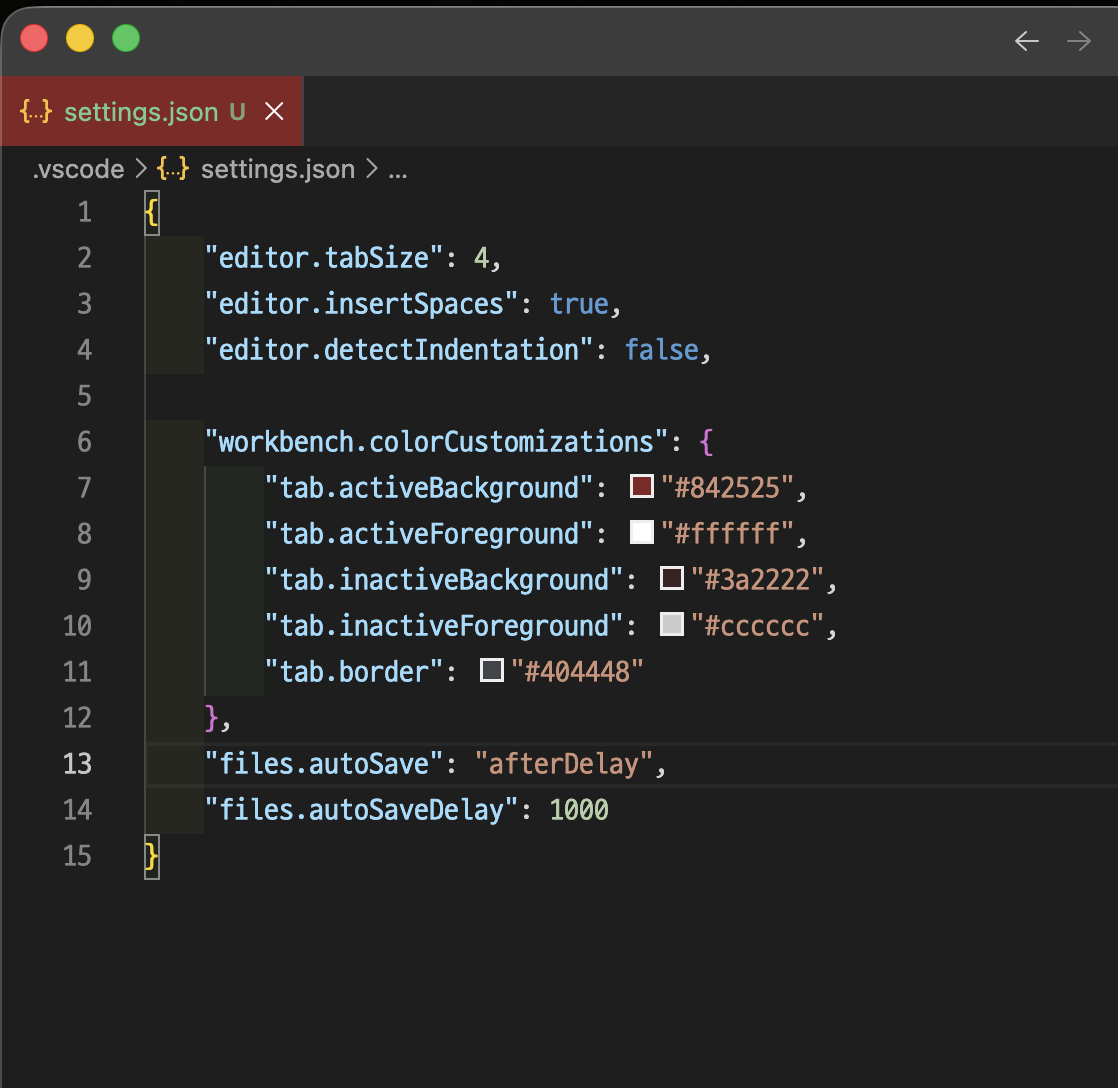
{
  "editor.tabSize": 4,
  "editor.insertSpaces": true,
  "editor.detectIndentation": false,

  "workbench.colorCustomizations": {
    "tab.activeBackground": "#254584",
    "tab.activeForeground": "#ffffff",
    "tab.inactiveBackground": "#22293a",
    "tab.inactiveForeground": "#cccccc",
    "tab.border": "#404448"
  },
  "files.autoSave": "afterDelay",
  "files.autoSaveDelay": 1000
}
728x90
'홈서버 구축 일대기..' 카테고리의 다른 글
| 맥에서 GitLab 설치 및 설정: Docker로 간편하게 (0) | 2025.03.09 |
|---|---|
| 왼쪽 control 버튼을 command 키로 매핑 (0) | 2025.03.08 |
| Nifi 설치.. (0) | 2025.02.26 |
| Jupyter Notebook 특정 셀 자동 실행: 효율적인 작업 환경 구축 (1) | 2024.12.26 |
| Jupyter Notebook 초기 홈 경로 고정하기: 설정 파일 수정부터 시스템 서비스 등록까지 상세 가이드 (0) | 2024.12.26 |