728x90
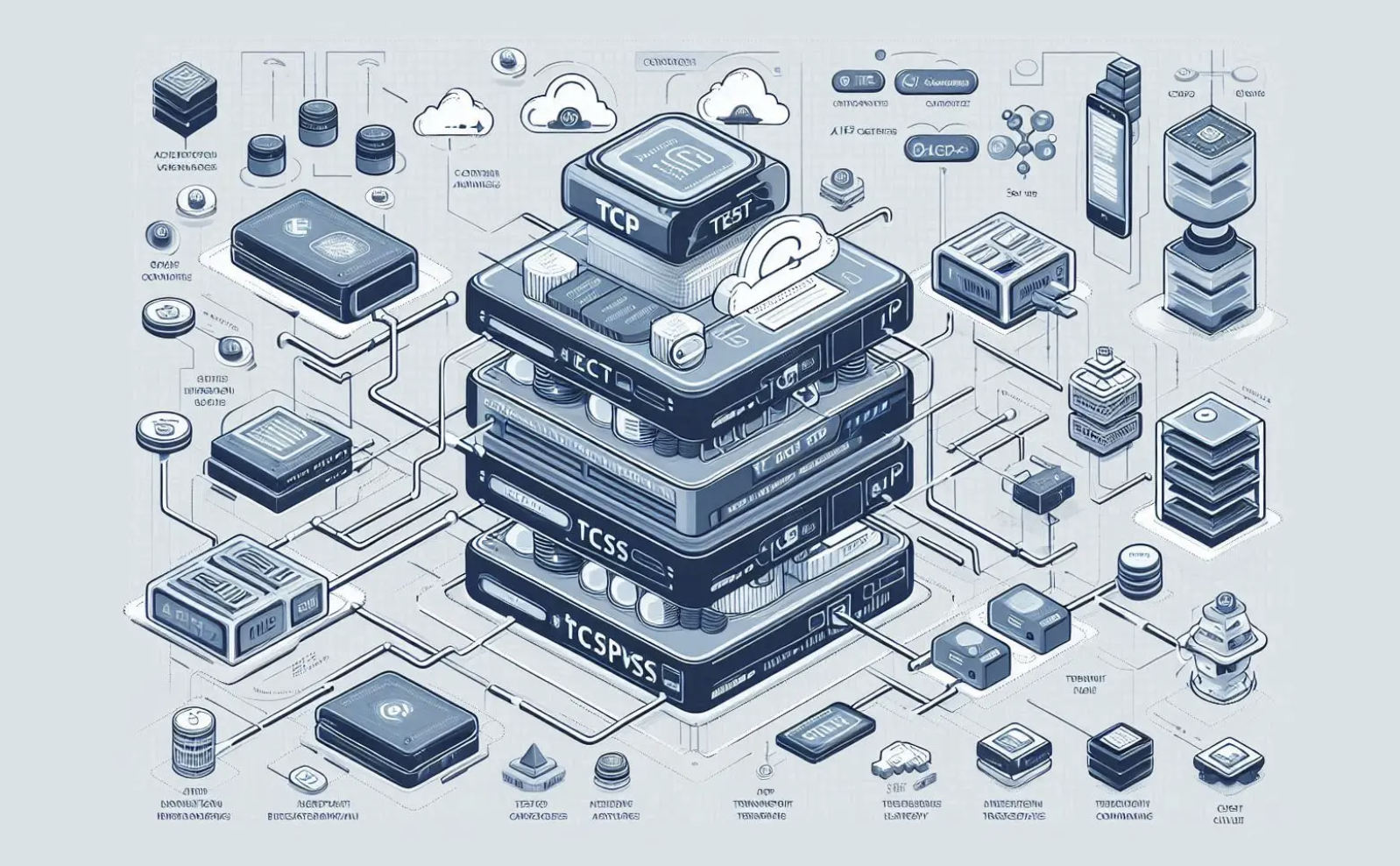
NestJS는 마이크로서비스 아키텍처(MSA)를 구현하기 위해 다양한 트랜스포트 레이어(Transport Layer)를 지원하며, 그중 TCP(Transmission Control Protocol)는 가장 기본적이고 사용하기 쉬운 방식입니다.
TCP 기반 마이크로서비스는 클라이언트(Client) 역할을 하는 NestJS 서비스(또는 API Gateway)와 서버(Server) 역할을 하는 NestJS 마이크로서비스가 TCP 소켓을 통해 통신하는 구조입니다.
1. 마이크로서비스 서버 (Provider) 설정
TCP 연결을 수신하고 메시지를 처리하는 실제 마이크로서비스입니다.
A. 앱 모듈 설정
AppModule에서 기본 HTTP 서버 대신 마이크로서비스 서버를 실행하도록 설정합니다.
// src/app.module.ts
import { Module } from '@nestjs/common';

@Module({})
export class AppModule {}
B. 메인 파일 (main.ts) 설정
NestJS 애플리케이션을 TCP 트랜스포트 레이어를 사용하는 마이크로서비스로 부트스트랩(Bootstrap)합니다.
// src/main.ts
import { NestFactory } from '@nestjs/core';
import { Transport } from '@nestjs/microservices';
import { AppModule } from './app.module';
import { Logger } from '@nestjs/common';

const logger = new Logger('Microservice');

async function bootstrap() {
  const app = await NestFactory.createMicroservice(AppModule, {
    transport: Transport.TCP, // TCP 트랜스포트 명시
    options: {
      host: '127.0.0.1', // 서비스가 바인딩될 IP
      port: 3001,       // 서비스가 사용할 포트
    },
  });

  await app.listen();
  logger.log('TCP Microservice is running on port 3001');
}
bootstrap();
728x90
C. 메시지 핸들러 구현
클라이언트가 전송한 메시지를 수신하고 처리하는 메서드를 컨트롤러(또는 서비스)에 정의합니다. 이때 @MessagePattern() 데코레이터를 사용합니다.
// src/product/product.controller.ts
import { Controller } from '@nestjs/common';
import { MessagePattern, Payload } from '@nestjs/microservices';

@Controller()
export class ProductController {

  // 클라이언트가 'create_product' 패턴으로 메시지를 보내면 이 메서드가 실행됨
  @MessagePattern('create_product')
  createProduct(@Payload() data: { name: string, price: number }) {
    console.log(`상품 생성 요청 수신: ${data.name} (${data.price}원)`);

    // 실제로는 Service 로직을 호출하고 DB에 저장합니다.
    const newProduct = { id: 101, ...data, createdAt: new Date() };

    // 클라이언트에게 결과를 반환
    return newProduct;
  }
}
2. 마이크로서비스 클라이언트 (Requester) 설정
다른 NestJS 애플리케이션(예: API Gateway)에서 위 마이크로서비스에 요청을 보내는 방법입니다.
A. 클라이언트 주입 (Injection)
@Inject('SERVICE_NAME') 데코레이터를 사용하여 ClientProxy 인스턴스를 주입받습니다.
// src/product/product.module.ts
import { Module } from '@nestjs/common';
import { ClientsModule, Transport } from '@nestjs/microservices';
import { ProductController } from './product.controller';
import { ProductService } from './product.service';

@Module({
  imports: [
    ClientsModule.register([
      {
        name: 'PRODUCT_SERVICE', // 사용할 Injection Token
        transport: Transport.TCP,
        options: {
          host: '127.0.0.1',
          port: 3001, // 마이크로서비스 서버의 포트와 일치해야 함
        },
      },
    ]),
  ],
  controllers: [ProductController],
  providers: [ProductService],
})
export class ProductModule {}
728x90
B. 요청 보내기
주입받은 ClientProxy 인스턴스를 사용하여 요청을 보냅니다.
// src/product/product.service.ts
import { Injectable, Inject } from '@nestjs/common';
import { ClientProxy } from '@nestjs/microservices';

@Injectable()
export class ProductService {
  constructor(
    @Inject('PRODUCT_SERVICE') private readonly client: ClientProxy,
  ) {}

  async sendProductCreationRequest(data: { name: string, price: number }) {
    // 1. send(): 요청-응답 (Request-Response) 방식
    // 서버로부터 응답을 기다립니다. (Promise를 반환)
    return this.client.send('create_product', data).toPromise();

    // 2. emit(): 이벤트 기반 (Event-Based) 방식
    // 응답을 기다리지 않고 메시지만 전송합니다. (Observable을 반환)
    // this.client.emit('product_created_event', data);
  }
}
728x90
'Nest.js를 배워보자 > 12. Microservices — NestJS로 MSA 만들기' 카테고리의 다른 글
| API Gateway 패턴 (0) | 2025.12.03 |
|---|---|
| 서비스 간 인증 (Service-to-Service Authentication) (0) | 2025.12.03 |
| RabbitMQ, Kafka 연동 (이벤트 기반 통신) (0) | 2025.12.03 |